

How to Set Up SIP Voice Services for Your Small Office
Reliable communication is the backbone of every small business. Whether you’re managing a growing team or coordinating with clients, having a clear and cost-effective phone system makes a big difference.
That’s why so many Australian offices are moving away from traditional phone lines and switching to SIP voice services. If you’re setting up a SIP-based phone system for your small office, here’s everything you need to know. Read ahead to know everything from how it works to what you’ll need to get started.
The Basics of SIP Voice Services
SIP, or Session Initiation Protocol, is a technology that allows you to make and receive calls over the internet instead of through copper landlines. It’s part of what’s known as VoIP (Voice over Internet Protocol). Plus, it connects seamlessly with PABX phone systems; the internal networks businesses use to route calls between extensions or departments.
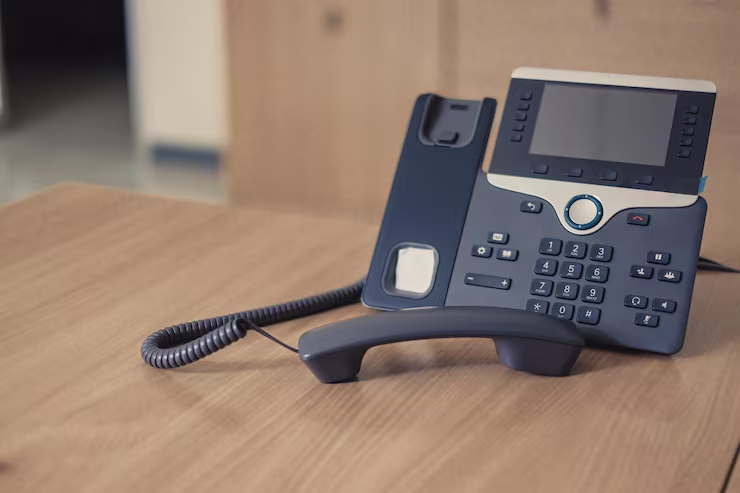
In simple terms, SIP voice services replace traditional phone lines with virtual ones. You can make calls, transfer them between team members, and even run a multi-line system.
All that can be done through your internet connection. Because everything runs digitally, you can manage your system from anywhere and scale it up or down as your business changes.
Why SIP Makes Sense for Small Offices
For small and medium-sized businesses, SIP offers a long list of practical advantages:
- Lower call costs: Internet-based calls are generally far cheaper, especially for long-distance or international communication.
- Scalability: You can add or remove phone lines quickly without major hardware changes.
- Flexibility: Staff can take and make calls from the office, home, or on the road.
- Reliability: A well-configured SIP setup provides stable, high-quality voice calls.
- Integration: SIP systems work easily with CRMs, conferencing tools, and other business software.
Many small Australian offices find that switching to SIP cuts phone expenses dramatically while improving call handling and customer service.
These are the essentials. Keep them in mind when you start shortlisting providers.
Finding the right service isn’t just about features, you need to see if it fits your business needs. Ask yourself how your team works and what will make life easier.
What You’ll Need to Get Started
Setting up SIP voice services doesn’t require difficult infrastructure, but there are a few essentials to get right:
- A stable internet connection: Because SIP relies on the internet, consistent bandwidth is critical. Choose a business-grade NBN connection if possible.
- Compatible hardware: You’ll need SIP-enabled phones or an IP-based PABX system to manage calls and extensions.
- A SIP trunk provider: This is your service partner who connects your office to the phone network. Australian providers offer SIP trunking with local support, reliable uptime, and simple configuration.
- Configuration tools and software: Used to set up call routing, voicemail, and other system preferences.
- Optional features: Auto-attendants, voicemail-to-email, and call recording can enhance efficiency and customer experience.
Step-by-Step: Setting Up SIP in Your Office
- Choose a provider: Start by selecting a reputable SIP trunk provider. Local support makes a big difference if you need help configuring your system.
- Check your network: Ensure your router and internet plan can handle voice traffic. Adjust Quality of Service (QoS) settings to prioritise call quality.
- Install or configure your PABX: Set up SIP trunks, extensions, and call routing according to how your office operates.
- Connect your phones: Plug in your IP phones or install softphones on computers and mobiles.
- Test and refine: Make test calls to confirm quality, caller ID, voicemail, and forwarding settings.
- Train your team: Spend time showing staff how to use the new system. Familiarity helps avoid missed calls or confusion.
A professional setup through your provider can make the process much easier and ensures your system runs smoothly from day one.
Common Mistakes to Avoid
SIP systems are straightforward to manage, but a few common oversights can lead to frustration:
- Not testing your internet speed before setup.
- Choosing the cheapest provider without considering service reliability.
- Skipping firewall or password security configurations.
- Ignoring user training.
- Failing to plan for future expansion.
Final Thoughts
Switching to SIP voice services is one of those upgrades that makes everyday work easier. You’ll get clearer calls, lower costs, and the freedom to manage your phones from anywhere. It’s a simple way to bring your office communication up to speed and keep your team connected without the usual tech worries.
If you’re ready to make the switch, we can help. Contact Tel5 today, and we’ll make sure your SIP voice services are set up quickly, professionally, and tailored to the way your business works.